


Back at low tide
Which marks on the stone are still under water? Bring the notebook back tomorrow.
✓ Review tomorrow

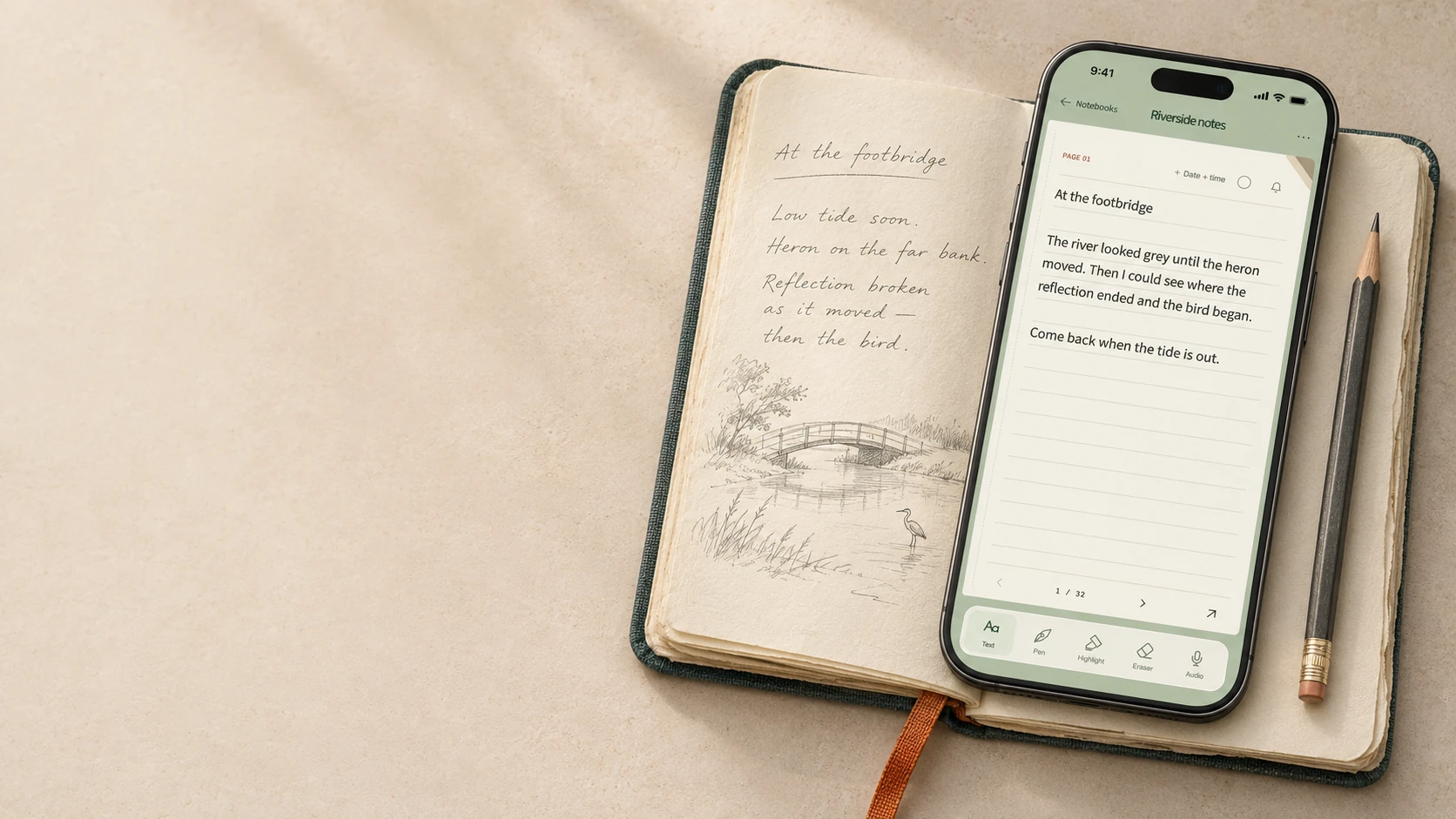
Fount notes for iPhone
A pocket notebook for the words, sketches and sounds you want to keep, wherever they find you.
Alongside your notebook
On a walk, you notice the light under a bridge. Put down a line before it changes. Later, with your paper notebook open, you have somewhere to start.
Already keep a project in Notion, a draft in Bear or a list in Apple Notes? Copy the words you need into it, or share a page as a PDF. A passing thought can stay in Fount notes until you know where it belongs.
Walking home, Bea told me her new job starts on Monday.
Call Bea on Sunday.
Leave your lists in Fount. Keep the evening for yourself.
Quick capture
A sentence is sometimes the right size. A voice recording or a quick sketch can be closer to what you meant. Start with whatever the moment gives you.
Widget previewType directly on the page, trace a shape with the pen or keep the sound of your own words as an audio clip.
Open your notebook or start a fresh page from the Home Screen. A Lock Screen shortcut gives you another way in.
On a compatible iPhone, assign the Fount notes shortcut to the Action button. The physical-button route is in device testing.
The shortcut is designed to turn a dictated thought into text you can review before adding it. Spoken Siri capture is in device testing.
Make it yours
Pick a colour you can spot on the shelf. Leave the cover plain or choose an illustration from the Plus collection. Inside, ruled paper is good for a sentence and a blank page leaves room for a sketch.
Review & reminders
Leave yourself a question on a page and set a reminder for when you want to revisit it. Open the page again with the original words, ink and recording together.
With Fount Plus, prepare a page for a saved email address, choose whether to include its audio, then send it yourself. Useful when your next step starts in your inbox.
Finding a page
Sometimes you remember the bird. Sometimes all you remember is waiting for something to move by the water.
In the app
Search your written notes for “heron” and open the passage in its notebook. If you saved a place with the note, you can also browse it on the map.
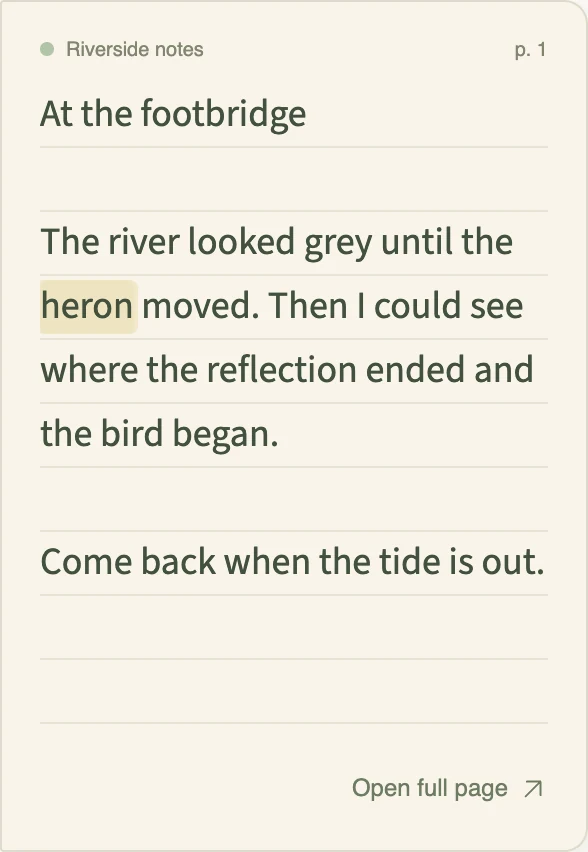
Design concept · On-device AI search
The idea is to look for a passage in your typed notes using ordinary language, with the search running on your iPhone. This is an illustration of a proposed search.
“Where did I write about waiting by the water?”
An example match might be the page about standing on the riverbank, even if it never used the word “waiting”.
Ownership & export
Take the words into another editor, keep the drawings as files, or share a single page with someone who has never used Fount notes. The sample export below contains a Riverside note in Markdown and its drawing as an SVG.
Download a sample notebook (.zip)Fount Plus
Keep a field journal, a project book and a place for loose ideas. Give each a different cover so your hand knows where to go next.